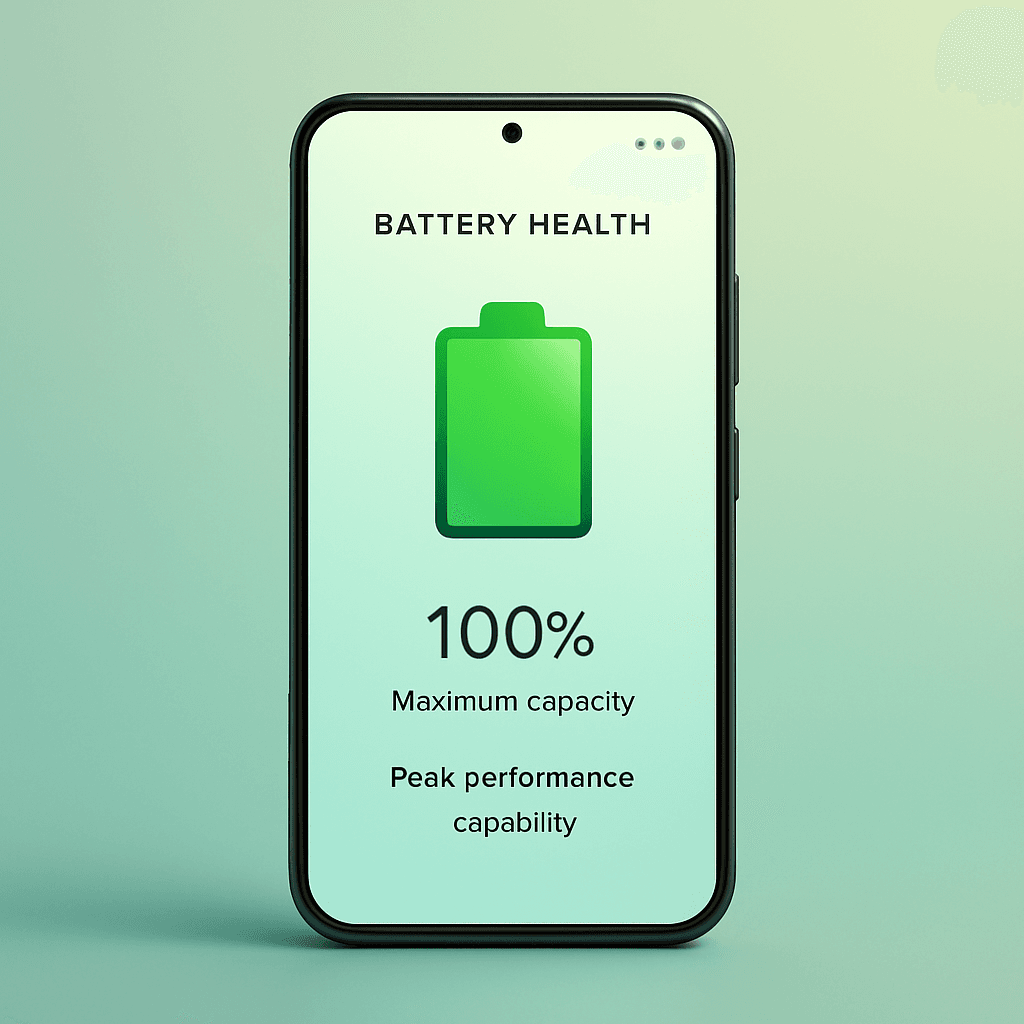
How to Check Battery Health on Android (2026 Guide)
Dialer Codes, Settings, and the Most Accurate App Method
Unlike iPhone, most Android phones don't show battery health prominently — the exact "Maximum Capacity" number Apple displays is buried, hidden, or missing entirely depending on your brand. But in 2026, there are several reliable ways to uncover it. This guide covers all of them, from quick built-in tricks to a dedicated battery health app for Android that does the work for you.
Method 1: Check Settings (Brand-Dependent)
Some manufacturers now surface battery health directly:
- Samsung (One UI): Settings → Battery and device care → Diagnostics → Battery (shows a health rating: Good / Normal / Weak)
- Google Pixel: Settings → Battery → tap the battery graph for usage and estimated wear on newer models
- OnePlus / Oppo: Settings → Battery → Battery health (where available)
The downside: most brands only show a vague label like "Good," not a precise percentage or cycle count.
Method 2: Use the Hidden Dialer Code
Many Android phones include a hidden diagnostics menu:
- Open the Phone (dialer) app
- Type
*#*#4636#*#* - Tap Battery information if it appears
This works on some devices but is increasingly blocked by manufacturers. If nothing happens, your phone has disabled it — move on to Method 3.
Method 3: Use a Battery Health App for Android (Most Reliable)
Because Android is fragmented across hundreds of devices, the most consistent way to check battery health is a dedicated app. Battery Life Test reads your battery's real data and shows you:
- Estimated maximum capacity vs. the original design capacity
- Charge cycle count and wear over time
- Real-time charging speed, current, voltage, and temperature
- A simple health score you can track month to month
It works across virtually all Android brands and presents the numbers in one clear screen — no dialer codes or buried menus. You can install it free on Google Play for Android (it's also available on the App Store for iPhone).
What Counts as "Good" Android Battery Health?
| Health Estimate | What It Means |
|---|---|
| 90–100% | Excellent — like new |
| 80–89% | Good — normal aging |
| 70–79% | Fair — noticeably shorter days |
| Below 70% | Worn — consider replacement |
Most Android batteries are rated for 500–1,000 charge cycles before dropping to around 80% capacity — roughly 2 to 3 years of normal use, depending on heat and charging habits.
Why Android Hides This (and Why It Matters)
Android's battery reporting depends on the chipset and the manufacturer's software, so Google never standardized a universal "battery health" screen the way Apple did. That's exactly why a cross-brand battery health app for Android is so useful — it normalizes the data into one consistent, readable number regardless of your phone model.
How Often Should You Check?
- Monthly for a healthy baseline
- Immediately if you notice rapid drain, overheating, or random shutdowns
- Before buying a used Android phone — always verify real capacity, since sellers rarely disclose it
An app makes this effortless by tracking history automatically.
Conclusion
Checking battery health on Android is harder than on iPhone because the OS hides it — but it's far from impossible. Brand settings and dialer codes give you a rough idea, while a dedicated battery health app for Android like Battery Life Test gives you the precise capacity, cycle count, and trends you need to charge smarter and replace the battery only when it's truly worn.
Frequently Asked Questions (FAQ)
How do I check battery health on Android?
Try Settings → Battery (varies by brand), the dialer code *#*#4636#*#*, or a dedicated battery health app for Android that reads real capacity and cycle data.
Does Android show battery health like iPhone?
Not consistently. Some brands like Samsung show a basic rating, but most hide the exact percentage — an app gives you the precise number across any device.
What is a good battery health percentage on Android?
Above 80% is healthy. Below 70% you'll notice significantly shorter battery life and should consider a replacement.
Can an app show my Android charge cycle count?
Yes. A battery health app like Battery Life Test displays the charge cycle count and wear trends that built-in settings usually hide.
Related Articles
Test Your Battery Health Now
Don't guess. Measure your real battery health with our profession-grade analytics tool.